
Install screenshot
Open the Download page
Show the official GuroAssist Download page and the x64 versus x86 choice.
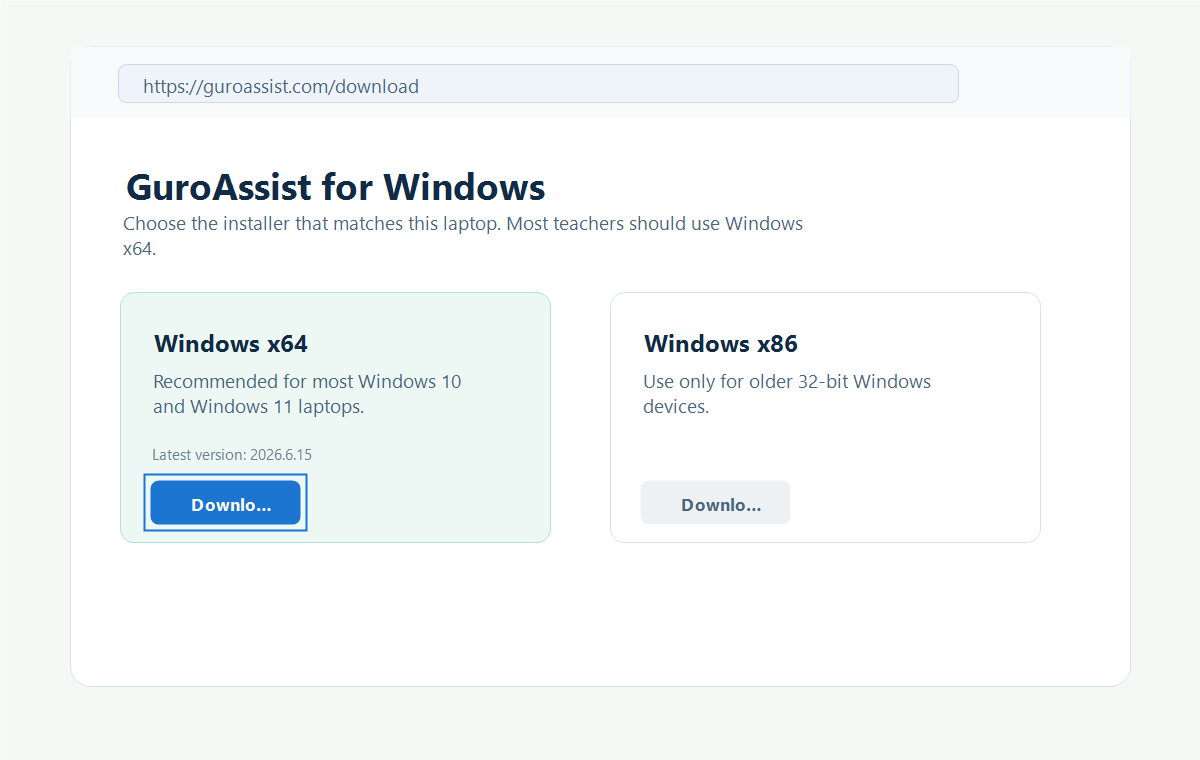
Source recorded. Captured from the GuroAssist Download page and visually reviewed July 11, 2026 against the current website source. Recheck this image after the download or installation flow changes.
Back to this install step