
Guide screenshot
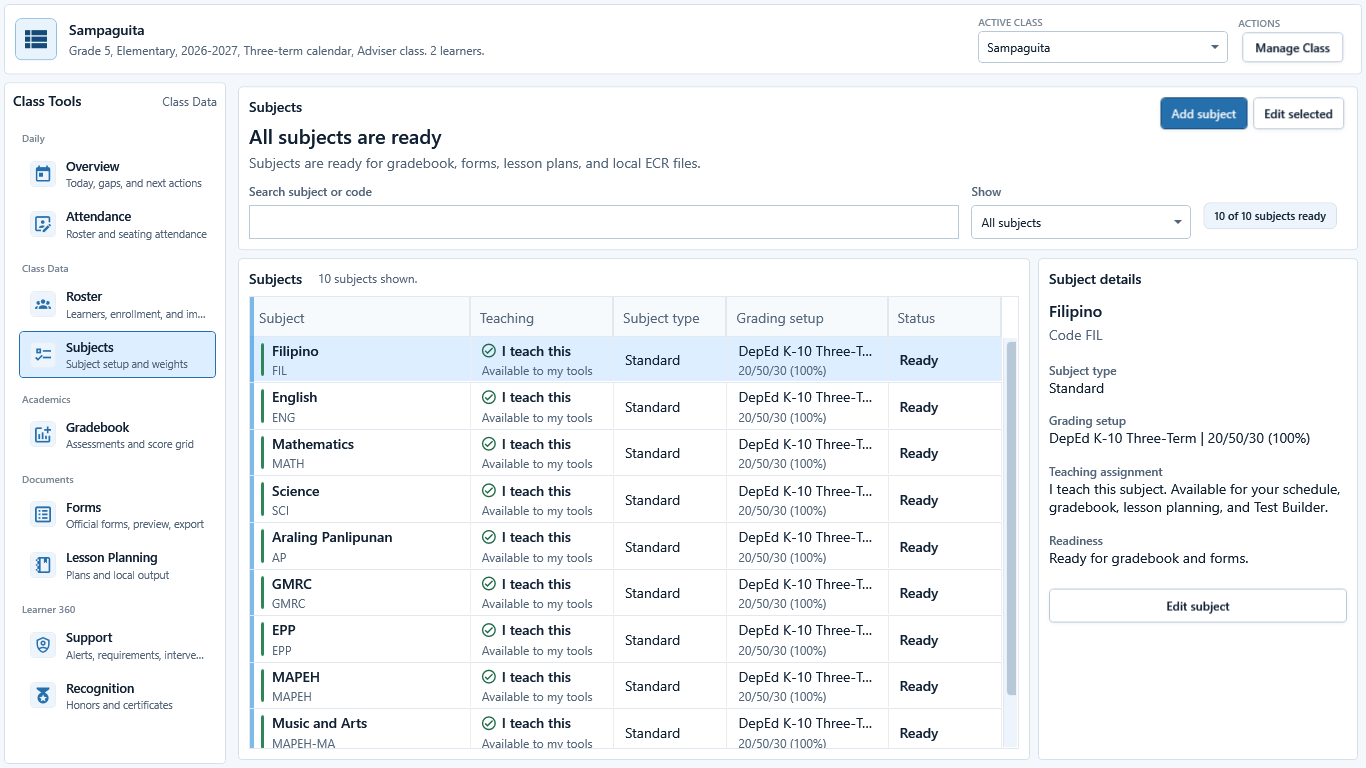
Open the correct class and Subjects
Open the correct class and Subjects
Inspect original pixels
Capture status: Recorded
Sample data: Sample data only
Capture source: Captured July 11, 2026 from the current GuroAssist WPF views at desktop source 3f00f011, then opened and visually reviewed; fictional records are identified by the visible Sample data only caption.